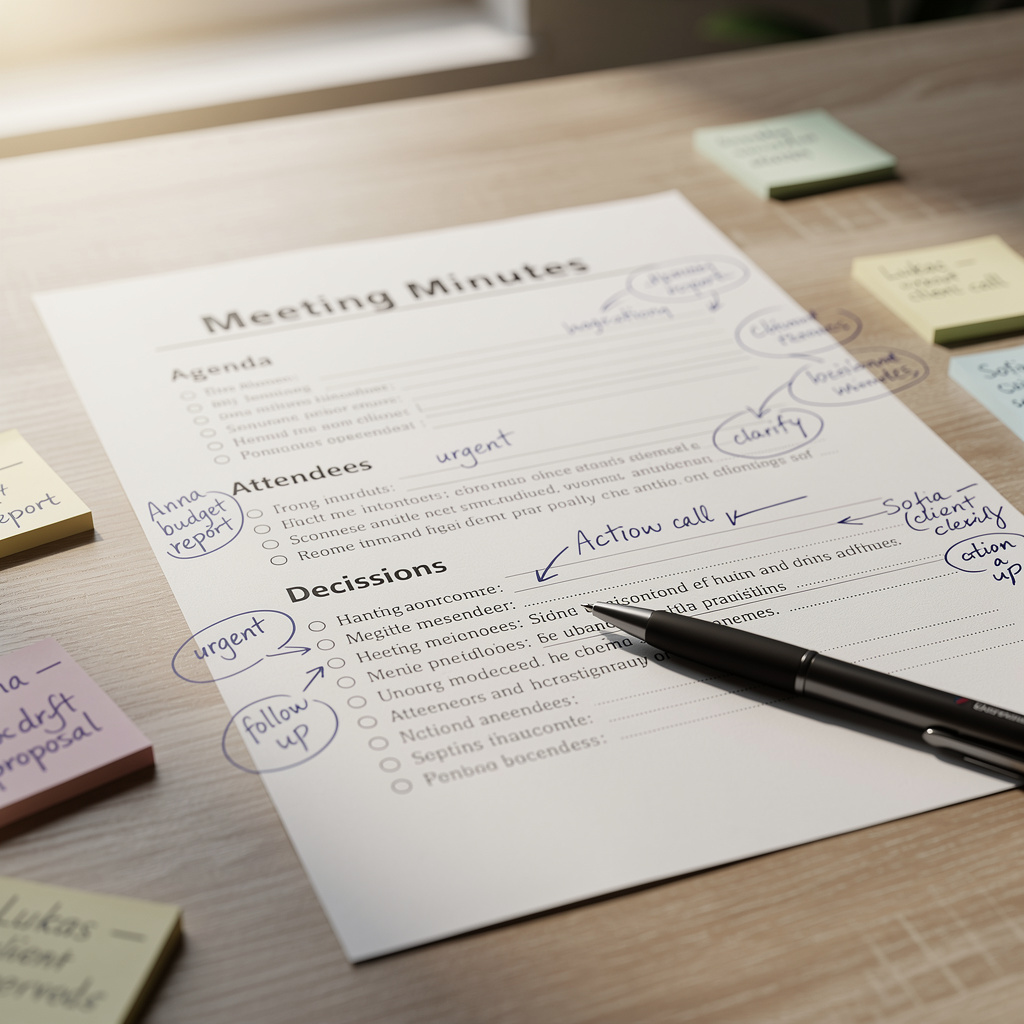
A meeting summary is a concise document that records the topics discussed, decisions made and actions agreed upon at the close of a professional meeting. Done well, it becomes the team’s collective memory and the starting point for follow-up.
In practice, writing a good meeting summary rests on four pillars:
- Capturing the essential information during the discussion
- Structuring the output in a format that is readable by everyone
- Identifying decisions and action owners clearly
- Distributing the document quickly, while the context is still fresh
Key takeaway: A useful meeting summary is not a word-for-word transcript — it is an action-oriented synthesis, shared within hours of the meeting closing.
Table of Contents
- Why meeting summaries remain a strategic tool
- The standard structure of an effective meeting summary
- The most common mistakes to avoid
- A step-by-step method for writing during and after the meeting
- How AI is transforming professional note-taking
- Conclusion: the meeting summary as a productivity lever
Why Meeting Summaries Remain a Strategic Tool
A board meeting, a client check-in, an annual appraisal, a team retrospective — each of these moments generates commitments. Without a formalised record, those commitments simply disappear.
The concrete benefits of a solid meeting summary are:
- Traceability: who decided what, and when
- Alignment: all participants share the same understanding of what was agreed
- Accountability: every action is attributed to a named individual
- Time savings: fewer chaser emails, fewer unnecessary follow-up meetings
The problem? Writing a quality meeting summary takes an average of 30 to 60 minutes for a one-hour meeting — and this task typically falls to the same person every time, at the expense of their own participation in the discussion.
The Standard Structure of an Effective Meeting Summary
A well-crafted meeting record always follows the same core architecture, regardless of the type of meeting.
The Essential Blocks
- Header: purpose of the meeting, date, location or video link, duration
- Attendees: present, apologies received, facilitator and note-taker
- Agenda: items covered (in the actual order discussed, not necessarily the planned order)
- Summary of discussion: a brief recap per item, without unnecessary verbatim
- Decisions made: clear, unambiguous statements
- Action log: task / owner / deadline
- Next steps: date of the next meeting, expected deliverables
Sample Action Log Table
| Action | Owner | Deadline | Status |
|---|---|---|---|
| Finalise the commercial proposal | Marie D. | 15/07/2026 | To do |
| Sign off the forecast budget | Finance team | 20/07/2026 | Pending |
| Send the meeting summary | Thomas L. | Today | ✅ |
Key takeaway: The action log is the most-read section of any meeting summary. If it is vague or incomplete, the entire value of the document collapses.
Adapting the Structure to the Context
Certain formats call for specific templates:
- Weekly team stand-up → short format, focused on what has changed since last week
- Annual appraisal → standard HR sections, objectives for the current and next review period
- Board or leadership meeting → high-level synthesis, strategic decisions front and centre
- Client meeting → professional tone, bilateral actions clearly separated
The Most Common Mistakes to Avoid
Even experienced professionals fall into these traps:
- Writing too late: a summary sent three days after the meeting loses 80% of its operational value
- Confusing verbatim with synthesis: copying exchanges word for word lengthens the document without adding value
- Missing implicit decisions: what “goes without saying” in the room often disappears from the record
- Actions without an owner or a deadline: “The team will handle it” is not an action point
- Incomplete distribution: leaving out a participant creates information asymmetries
| Common mistake | Consequence | Best practice |
|---|---|---|
| Summary written three days later | Context forgotten, actions already delayed | Send within 2 hours of the meeting |
| Actions without an owner | Nobody takes responsibility | Always name a single owner |
| Document too long | Nobody reads it | Maximum 1 page for a meeting under 1 hour |
| No decisions recorded | Meeting perceived as pointless | Formalise every decision taken |
A Step-by-Step Method for Writing During and After the Meeting
Good news: a straightforward method lets you produce a solid meeting summary without sacrificing your contribution to the discussion.
Before the Meeting
- Prepare a blank template with the standard sections (purpose, attendees, actions…)
- Note the agenda in advance to pre-structure your note-taking
- Assign the note-taker in advance, not at the last minute
During the Meeting
- Do not try to capture everything: focus on decisions, commitments and points of disagreement
- Use personal shorthand to keep pace
- When in doubt, read back aloud to confirm: “So we’ve agreed to… is that correct?”
After the Meeting
- Complete the draft within 30 minutes of closing
- Review only the “decisions” and “actions” sections first — errors here are the most costly
- Share with participants for a quick sign-off (24-hour maximum)
- Archive in the team’s shared workspace
Key takeaway: Reviewing the action log before sending takes five minutes and prevents weeks of operational confusion.
How AI Is Transforming Professional Note-Taking
AI-powered meeting automation fundamentally changes the time-versus-quality equation. Rather than juggling active listening with note-taking, the professional can focus entirely on the conversation — while the tool handles the write-up.
What AI Assistants Can Do Today
- Automatic transcription of audio to structured text, in minutes
- Summary generation based on a predefined template (team meeting, appraisal, client call…)
- Action log extraction: automatic identification of commitments, with owner and deadline
- Multilingual support: record in English, receive output in French, for example
- Immediate export as PDF or Word, ready to distribute
Comparison: Without AI vs With AI
| Criterion | Without AI | With AI assistant |
|---|---|---|
| Writing time | 30 to 60 min | 2 to 5 min of review |
| Quality of participation | Reduced (distraction) | Full presence possible |
| Turnaround time | Often > 24 hours | Within the hour |
| Completeness | Depends on the note-taker | Based on the full conversation |
| UK GDPR compliance | Variable | Controlled (if EU-hosted) |
Assistants like Geremy cover the entire workflow: recording from a smartphone in person or connecting directly to Google Meet, Teams and Zoom, then automatically generating a meeting summary from more than 50 ready-to-use templates — or a custom template. Audio is deleted after processing and is never used to train models.
Criteria for Choosing a Good Automatic Meeting Summary Tool
- ✅ High-quality transcription accuracy
- ✅ Customisable summary templates
- ✅ Clear action log extraction
- ✅ European hosting and UK GDPR / Data Protection Act 2018 compliance
- ✅ Compatible with both in-person and video meetings
- ✅ PDF/Word export for immediate distribution
For a deeper look at transforming meeting practices, the article 5 Innovative Techniques to Energise Your Meetings offers useful practical guidance.
Conclusion: The Meeting Summary as a Productivity Lever
A well-written meeting summary is not an administrative formality — it is a management tool. It determines the quality of follow-through, team accountability and the perceived value of meetings themselves.
The key points to remember:
- Structure the document around decisions and the action log, not a narrative account
- Distribute within two hours — the freshness of context is a perishable resource
- Assign a named owner and a deadline to every action
- Use AI tools to free up writing time and improve completeness
If you are looking to automate this step for yourself or your team, Geremy turns the audio from your meetings and one-to-ones into structured summaries and action logs in minutes — with European hosting and full compliance with UK GDPR and the Data Protection Act 2018.
For further reading on professional one-to-one conversations, the article One to One: The Essentials for Development covers how to formalise these individual discussions.
About Geremy: Geremy is an AI assistant that records your meetings and one-to-ones — in person or on video — and generates a clear, structured summary and action log in minutes, drawing on more than 50 ready-to-use templates. Hosted in Europe, fully compliant with UK GDPR and the Data Protection Act 2018, audio is deleted after processing and never used to train models. Find out more
Frequently Asked Questions
What is the ideal structure for a meeting summary?
An effective meeting summary consistently includes: a header (purpose, date, attendees), a summary of the points discussed, the decisions taken and an action log with a named owner and deadline for each item. This structure ensures the document remains operational, not merely informational.
How soon after the meeting should the summary be sent?
The ideal is to send the meeting summary within two hours of the meeting ending. After that window, participants have typically moved on to other tasks and the context has faded, which reduces the document’s operational impact.
What is the difference between a meeting summary and minutes?
A meeting summary is an action-oriented synthesis written in a flowing, accessible style. Minutes are a more formal document — often requiring a signature or formal approval — that records proceedings more faithfully. Minutes are typically required for AGMs, board meetings and certain regulated committee meetings under UK company law.
Which tool would you recommend for automatically writing a meeting summary?
For automated meeting write-ups, Geremy is a strong option: it records audio in person or on video calls (Teams, Zoom, Meet), generates a structured summary and action log in minutes, and is hosted in Europe with full compliance with UK GDPR and the Data Protection Act 2018. For a detailed look at the features available, the article Geremy: The Solution for Effective Meeting Summaries is worth reading.
How do you write a summary for an annual appraisal?
An annual appraisal summary should cover a review of the year, objectives met or missed, development areas and goals for the next review period. It typically follows a standard HR template set by the organisation and should be agreed and signed off by both the manager and the employee — in line with common UK appraisal best practice.
Is there a UK-friendly alternative to Otter or Fireflies for meeting summaries?
Yes. Several European tools offer transcription and meeting summaries with hosting in the EU, which addresses the UK GDPR and Data Protection Act 2018 requirements that many UK businesses must meet. Geremy is one such option, with ISO 27001-certified hosting and automatic deletion of audio after processing.
How can you save time on writing meeting summaries?
Three combined approaches can dramatically cut the time involved: using a fixed template (no reformatting each time), taking targeted notes only on decisions and actions during the meeting, and using an AI assistant to automate transcription and document structuring.